Instant results
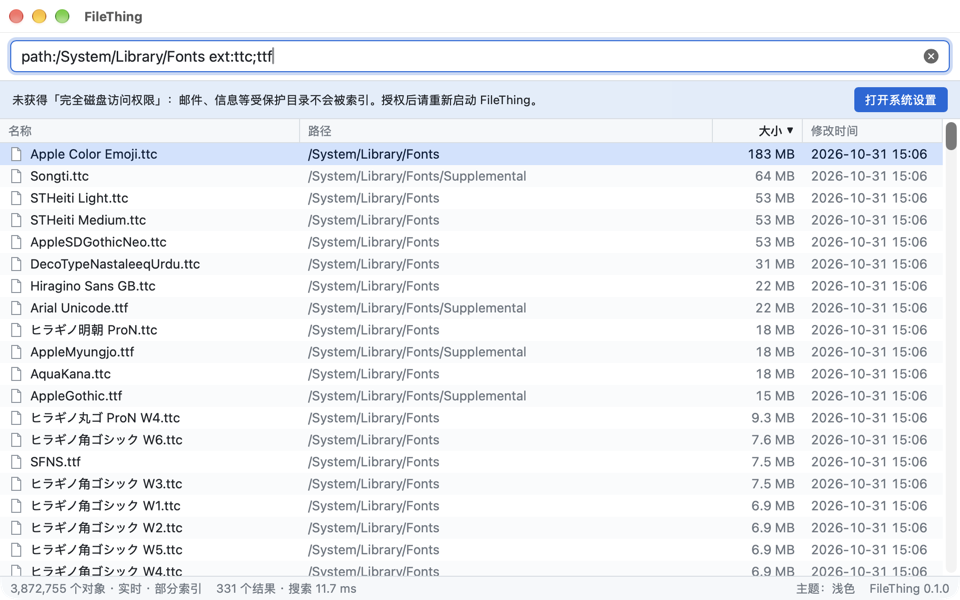
Results appear as you type and update when files are added, renamed or deleted.
 FileThing
Local file name search
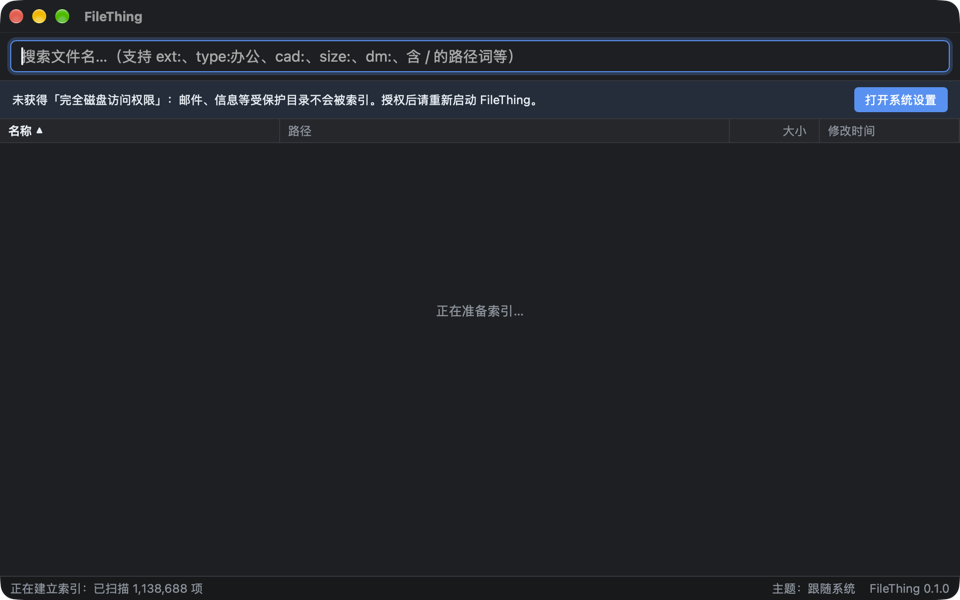
FileThing builds a local index of file names on macOS and Windows, so millions of files are searchable at once. It runs only on your machine: no file names are uploaded and no searches go online.
Results appear as you type and update when files are added, renamed or deleted.
macOS uses getattrlistbulk and FSEvents; Windows reads the NTFS MFT and USN journal, with a fallback when those are unavailable.
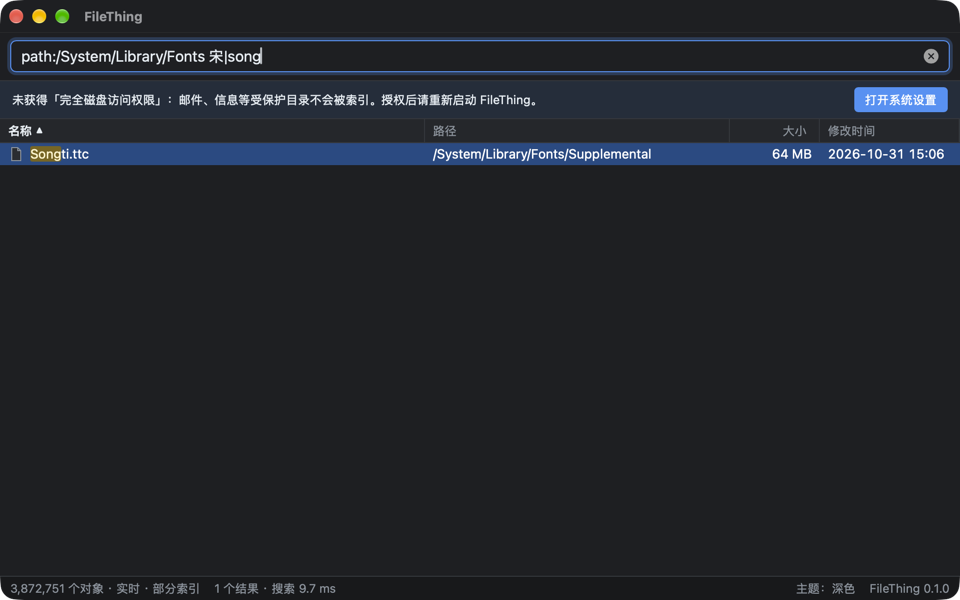
Full pinyin, initials, polyphonic characters and traditional forms; matching characters are highlighted.
ext:, path:, size:, dm:, file:, folder:, case:, fuzzy:, regex:, combined with spaces, | and !.
Open, reveal in folder, copy the full path or file name, and a context menu for each result.
Default ⌥Space on macOS, Alt+Shift+Space on Windows. Lives in the tray or menu bar; runs as a single instance.
Skip folders or wildcard patterns you do not need, show hidden files on request, and cap the number of results.
Arrow keys, PageUp / PageDown and Home / End all work; drag to resize columns and click headers to sort.
Follows the system appearance; both themes are tuned for contrast.
The publisher builds installers on its own machines: the macOS build on a Mac, the Windows build on a Windows 10 build machine. Every installer ships with a SHA-256 checksum.
Verify with shasum -a 256 (macOS) or certutil -hashfile (Windows).
JOESAN INC